· Alec Reimel · 3 min read
AI-Assisted Web Development — A Reviewable Workflow
A practical workflow for using AI coding tools such as Cursor: define the change, inspect the diff, test real behavior, and keep engineering decisions visible.
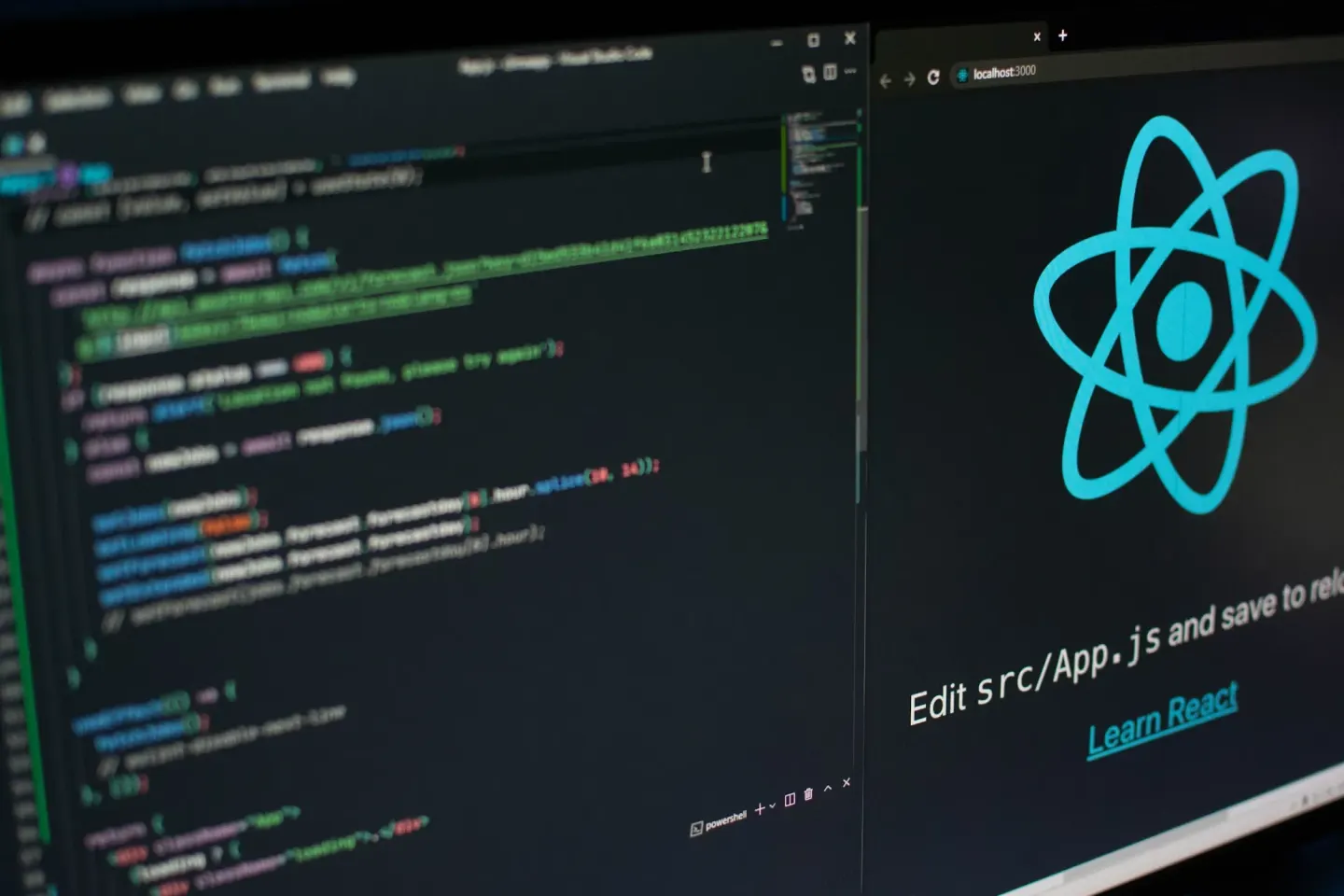
AI coding tools such as Cursor can help draft components, explain unfamiliar code, and suggest changes. The useful engineering question is how to turn a generated suggestion into a change that another developer can understand, review, and maintain.
This article describes a workflow for doing that. It is a set of practical review steps, rather than a benchmark or a claim that a particular model produces correct code automatically.
Start with an observable outcome
Describe what a user should be able to do before asking for an implementation. For example, “A recruiter can open the contact page and send a message using only the keyboard” gives a clearer target than “Improve the form.”
Include the relevant constraints: framework, existing components, responsive behavior, and how failures should appear. Small changes are easier to evaluate because there are fewer unrelated decisions to inspect at once.
Read the surrounding code
A generated component has to fit into an existing application. Check how nearby code handles state, styling, navigation, data loading, and accessibility. Prefer the project’s established patterns when they serve the intended behavior.
For a portfolio built with Astro, a useful question is whether an interaction needs browser JavaScript at all. Content and links can often remain in rendered HTML, while forms or interactive controls need additional behavior.
Review the diff as an implementation
Treat a suggestion as code that needs review. Inspect dependencies, event listeners, error paths, and any assumptions about the environment.
For a contact form, that means looking beyond the success state:
- Are fields labeled and required values validated?
- Is the submit button protected from repeated submissions?
- Does a failed request leave a useful message and a way to retry?
- Are keyboard focus and modal behavior usable?
- Does the implementation avoid sending unnecessary information?
These checks help make the review concrete. A plausible explanation from a coding tool is not evidence that the behavior works.
Test the behavior that matters
Use the checks appropriate to the change: type diagnostics, a production build, focused automated tests, and direct inspection of the affected page. For interactive browser behavior, test the path a person actually follows, including its failure case.
Tests should establish the intended outcome rather than merely repeat the implementation. A form test that verifies a visible error after a failed request is more useful than one that only checks whether a submit handler exists.
Keep the engineering evidence
A useful project write-up explains the problem, the developer’s contribution, an important decision, and how the result was checked. Mention AI assistance when relevant, but keep attention on the work that can be inspected.
My ARDA Analytics project links to implementation modules and test definitions. The AI Prompt Directory is another example of organizing reusable AI-related content into a developer-facing tool.
For more about my technical focus, see my professional overview. If your team is hiring a software developer, get in touch.
- web-development
- AI
- productivity
- coding
- Cursor